Care Connect: Connecting Parents & Childcare Providers
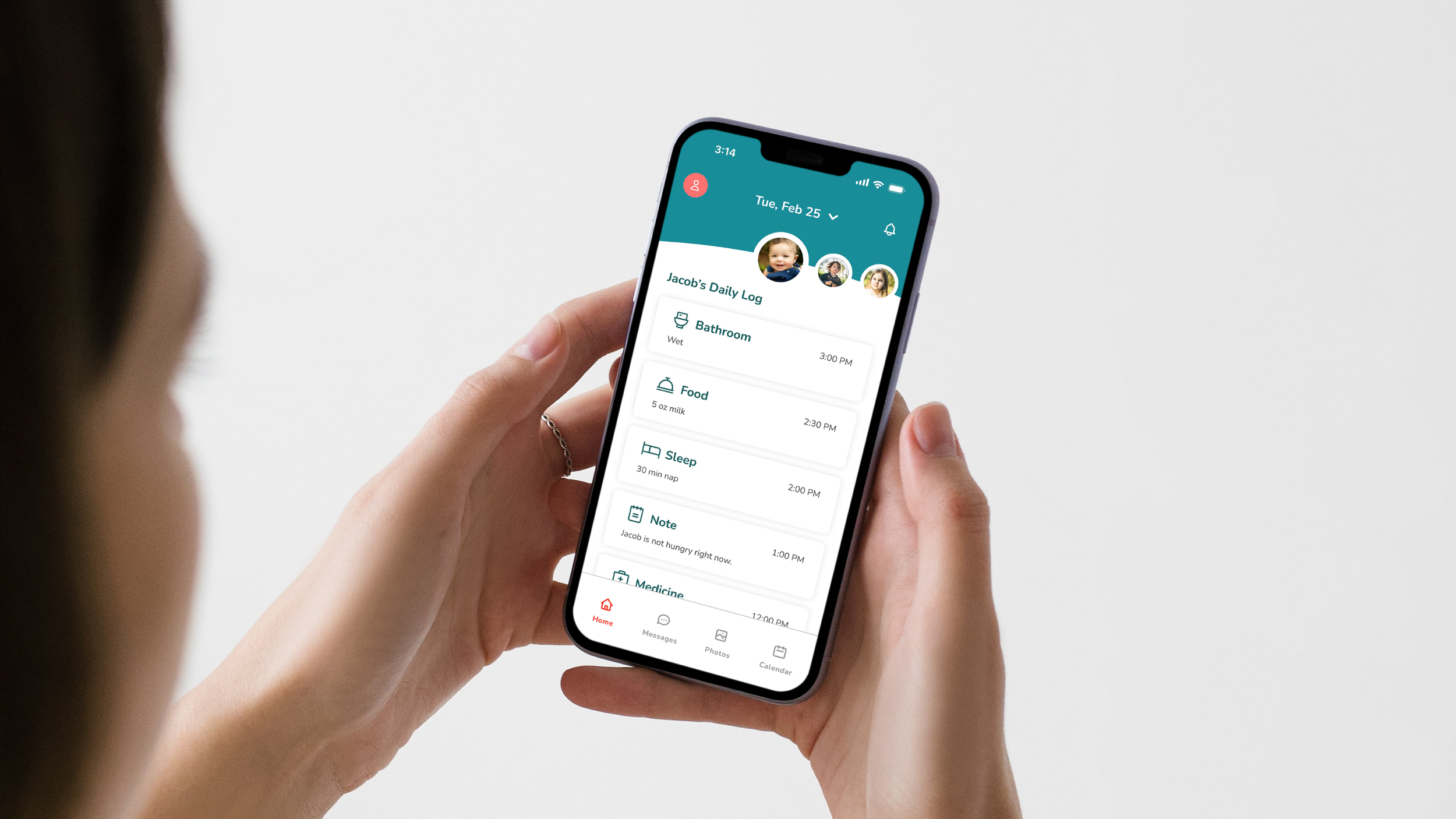
Designing a mobile app that helps working parents and caregivers stay connected through personalized updates and intuitive communication.
Overview
My interest in this problem came from observing the experiences of working parents in my own life, including family members who struggled to balance work responsibilities while staying connected to their child's day. While I am not a parent myself, these experiences helped me recognize the challenges families face with childcare communication and motivated me to explore how thoughtful design could help bridge that gap.
Role
Tools
User Research, Prototyping, Branding
Figma, Adobe Illustrator
Details
Timeline
Academic Project
4 Months
The Problem
Working parents often feel stressed and unsure about how their child is doing during the day because communication from childcare providers can be inconsistent or limited.
Discover
User Research
To begin this project, I conducted UX research to better understand the childcare challenges faced by working parents. My goal was to uncover communication pain points, identify unmet needs, and explore opportunities to improve the connection between parents and caregivers.
Research Goals
Identify key childcare pain points
Understand parent needs and behaviors
Gather demographic insights
Target Users
Working parents ages 25–45 with children under 12 who rely on full-time or part-time childcare while balancing work and family responsibilities.
Research Methods
I gathered both quantitative and qualitative insights through surveys and interviews. Surveys helped identify common childcare challenges and expectations, while interviews provided a deeper understanding of parents' experiences, frustrations, and priorities. I interviewed six participants—five working parents and one daycare provider.
“I feel frustrated that I can't chat with the teachers directly. I have to call the front desk, and they have to relay the message, which takes a while.”
— Frustrated Parent
Key Insights
Parents want real-time updates, photos, and messaging throughout the day.
Simple tracking for meals, naps, diaper changes, and supply reminders is essential.
Finding trustworthy childcare and managing payments can be stressful.
Safety, transparency, and clear communication are top priorities
Pain Points & Opportunities
Pain Points
Parents find current childcare communication impersonal and inefficient.
Childcare providers, busy caring for children, may not always have time to log information and message parents.
Parents don’t always know what happened during the day, making the pickup transition difficult.
Opportunities
Provide a direct messaging feature between parents and providers.
Enable childcare providers to quickly log activities using structured templates and suggested messages for parent communication.
Provide a chronological list of care events to help parents continue their child's care after pickup.
Design Impact
These opportunities served as a guide for the next phase of the project, helping translate research findings into potential solutions that addressed users' most pressing needs.
Define
User Personas
After interviewing working parents and a daycare provider, I created two user personas to represent each group's unique needs, frustrations, and goals. Because parents and caregivers have different responsibilities and priorities, separate personas ensured both perspectives were considered throughout the design process.
Persona 1: Parent
Persona 2: Caregiver
User Flow
From my research, I discovered that the core user flow for the childcare provider is logging an event. I focused on designing the most intuitive and efficient way for them to complete this task.
Site Maps
Designing two separate interfaces for the parent and caregivers was essential to the process. Each user required a distinct experience tailored to their needs, yet both had to connect to support the core feature of two-way communication.
Wireframes
To explore both user experiences, I created separate low-fidelity wireframes for parents and caregivers. Designing each flow independently helped define their unique tasks, prioritize key features, and ensure the app met the needs of both user groups before moving into high-fidelity designs.
Develop
Prototype & Usability Testing
After creating the wireframes, I developed interactive prototypes to test the key user flows identified during research. For parents, the primary tasks centered around messaging caregivers and viewing updates about their child's day. The caregiver experience was more complex, requiring an intuitive way to log activities. While usability testing of the parent experience was largely successful, testing revealed friction in the caregiver flow.
Parent Experience
Test Insights
My initial design required caregivers to tap "Log" before selecting a child, but participants expected to choose a child first. Based on this feedback, I reorganized the flow to prioritize child selection, creating a more intuitive and efficient experience for caregivers.
Caregiver Experience
Branding
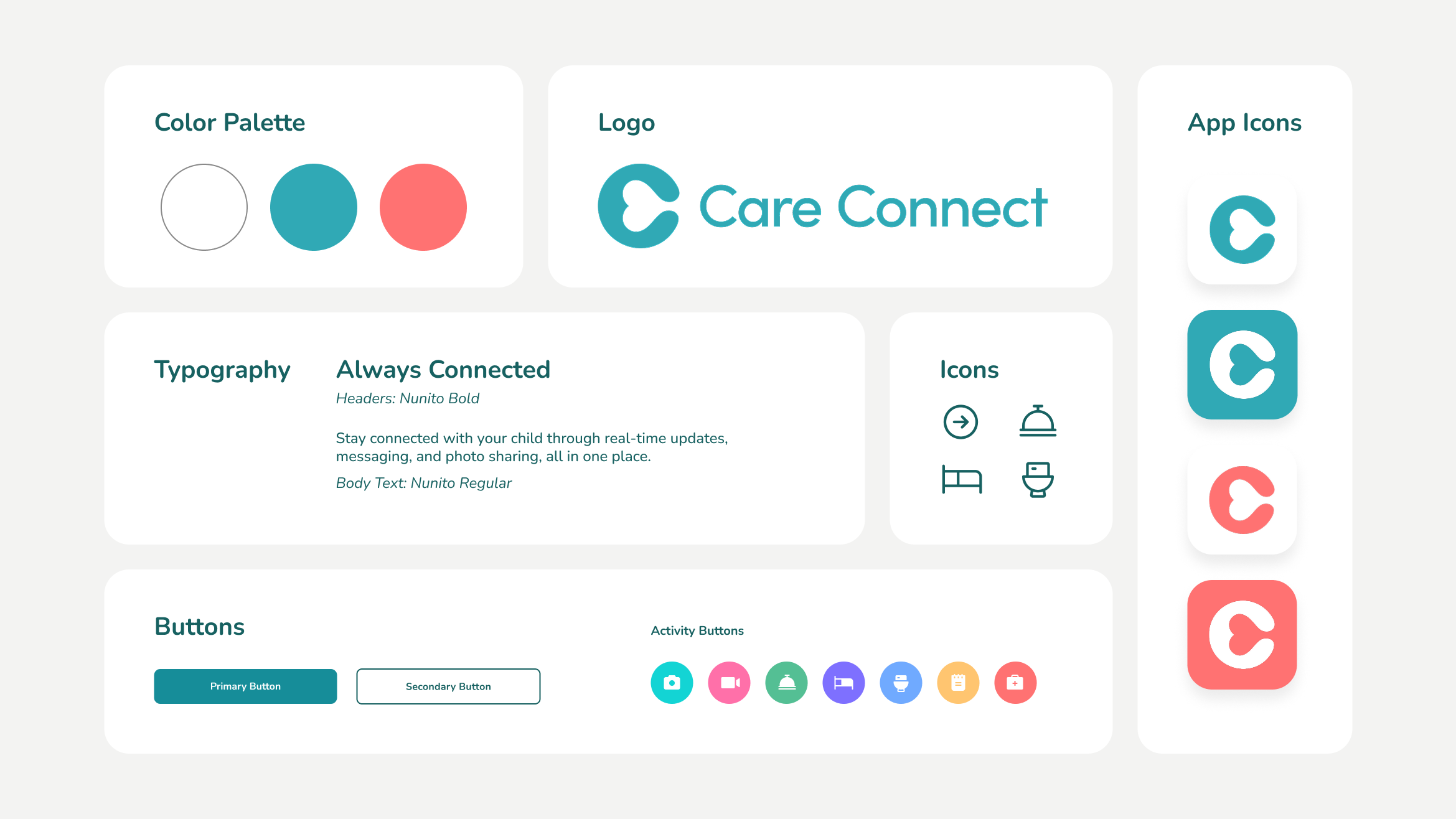
For the branding, my goal was to create a visual identity that felt safe, welcoming, and trustworthy. Because the app is designed for parents and caregivers, not children, I avoided an overly playful or childish aesthetic. Instead, I used a clean, friendly design that inspires confidence while remaining approachable and easy to use.
Deliver
Final Interactive Prototype
Up Next